
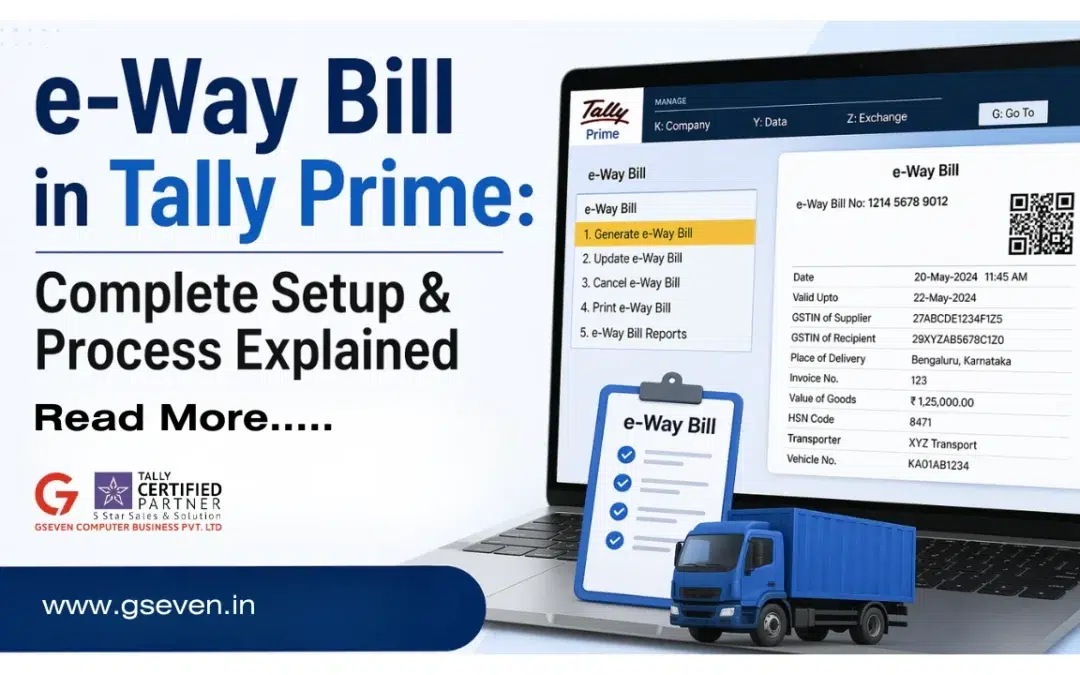
If you are running a business in India and dealing with movement of goods you might have heard about the e-way bill. But you need to understand how it works and how to generate it with the Tally software. Don’t worry, in this guide you can learn everything about e- way bills.
What is an e-way bill?
An e-way bill is an electronic document required under GST when your goods are transported from one place to another. The purpose of the e-way bill system is to ensure transparency and track the movement of goods across India.
It is generated on the bill portal (GST e-way bill portal) and contains details about:
- Goods being transported
- Consignor or consignee
- Transporter
- Vehicle number
When is an e-Way Bill Required?
You need to generate an e-way bill when:
- The consignment value exceeds ₹50,000
- There is inter-state or intra-state movement of goods
- Goods are moved for supply, return, or job work
This applies whether you are a:
- Registered person
- Transporter
- Or even an unregistered transporter in some cases
Key Details in e-Way Bill (Form GST EWB-01)
The e-way bill is generated using Form GST EWB-01, which has two main parts:
Part A – Details of Goods
- GSTIN of consignor or consignee
- Invoice or delivery challan number
- Value of goods
- HSN code
- Reason for transport
Part B – Transport Details
- Transporter ID
- Vehicle number
- Mode of transport
Types of movement covered
Interstate movement is covered when goods move from one state to another. Intrastate movement is covered when goods move within the same state. The e-way bill system also covers other movement types like land customs stations, inland container depots, and freight stations. It also includes land customs, port, airport, air cargo complex and from one station to inland location.
Why Use TallyPrime for e-Way Bill Generation?
You can generate e-way bills manually from the portal, but using TallyPrime makes the process much easier.
Here’s why:
- No need to enter data again and again
- Direct integration with the bill portal
- Faster bill generation
- Reduced errors
- Better record keeping
Step-by-Step Setup of e-Way Bill in TallyPrime
Firstly you need to enable e-way bill feature by clicking on F-11 enable GST and also enable e-way bill Option.
Next you need to enter business details and configure GST details. You must make sure all the information matches your GST registration.
Connect to e-way bill portal. This allows you to link directly with the bill portal.
You need e-way bill portal login credentials and API access enabled. You also need to create Ledger and stock items and ensure GST rates are correctly set and units and stock items are defined and set your transport details by adding transporter ID mode of transport vehicle number.
How to generate e-way bills in TallyPrime?
You need to create a sales invoice as usual and then enter required details like party details, item details and value of goods. Next you need to add transportation information like transporter name, vehicle number and distance. Generate your e-way bill.
Common Mistakes to Avoid
Even though the process is simple, many businesses make small mistakes:
- Incorrect GSTIN
- Wrong vehicle number
- Missing transporter details
- Incorrect consignment value
- Not updating distance
Validity of e-Way Bill
The validity depends on distance:
- Up to 200 km → 1 day
- Every additional 200 km → +1 day
Make sure goods reach within the validity period.
How To Make e-Way Bill Process Better
If you are using Tally on cloud, things become even smoother:
- Generate bills remotely
- Share access with team
- No system dependency
- Data stored securely
Who should use the e-way bill in the tally?
As a manufacturer you can use it to track good movements easily. Even traders can use it to manage invoices and transport and logistic companies can use it to handle multiple shipments officially.
Conclusion
The E-way bill system is an important part of GST compliance in India. No doubt it might seem complicated at first but tools like TallyPrime make it much easier when you combine tally with cloud solutions you can get faster eway generation, secure data handling and real time tracking. Once everything is set up generating an e-way bill becomes really quick and smooth.
FAQ’s
What is the minimum value for generating an e-way bill?
You need to generate an e-way bill with the consignment value exceeding ₹50,000.
Can I generate e-way bills directly from TallyPrime?
Yes TallyPrime allows direct bill generation by connecting to the bill portal.
Is e-way bill required for intrastate movement?
Yes it is required for both intrastate and Interstate movement depending on rules.
What transporter is unregistered?
You can still generate the e-way bill by entering details of the unregistered transporter manually.
Can I generate upfront using delivery challan?
Yes if goods are not sold you can generate it using a delivery challan instead of an invoice.